STRICT MODE
Work and Sleep sessions
Start a session: your distractions disappear until it ends. In strict mode, there’s no way out.

CONTROL · MAC + IPHONE
Less screen time.
More presence.
Take back
control.
The distraction blocker, daily plan and AI coach that help you stick to what you decided.
ONE APP TO
A SIMPLE CALCULATION
a year in front of a screen, at 4 h a day.
Based on 16 waking hours a day. Control doesn’t ask you to cut everything off, only to choose.
WHAT REALLY MATTERS
Then a video. A message. Another video.
PICK A SIDE
Control helps you stay on this side.
You choose the direction. Control helps you keep it: it blocks what pulls you away, reminds you what matters and checks in with you every evening.
01 · TODAY
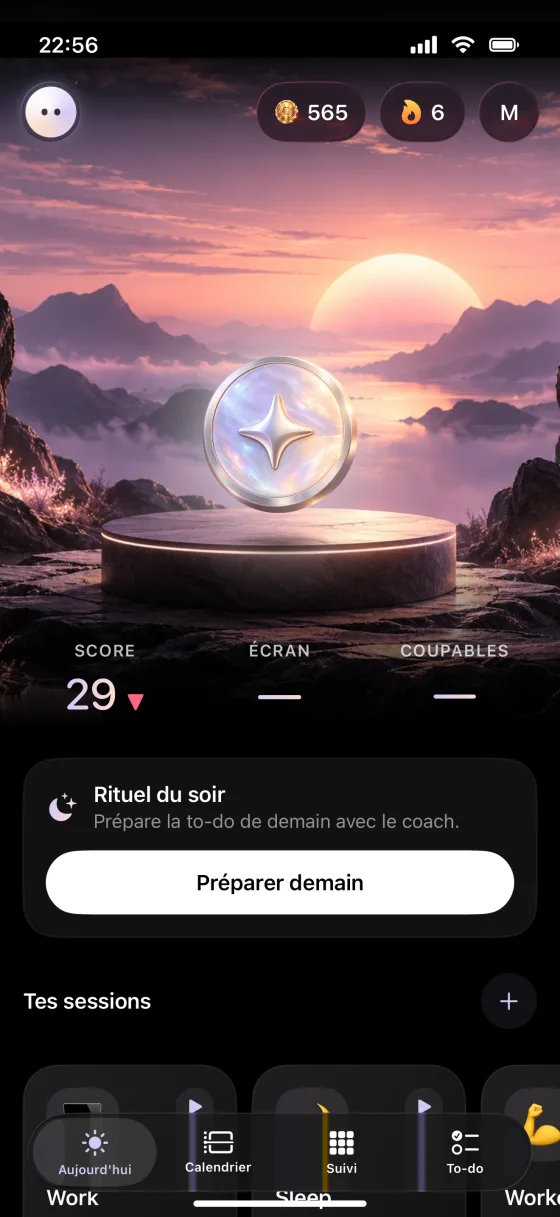
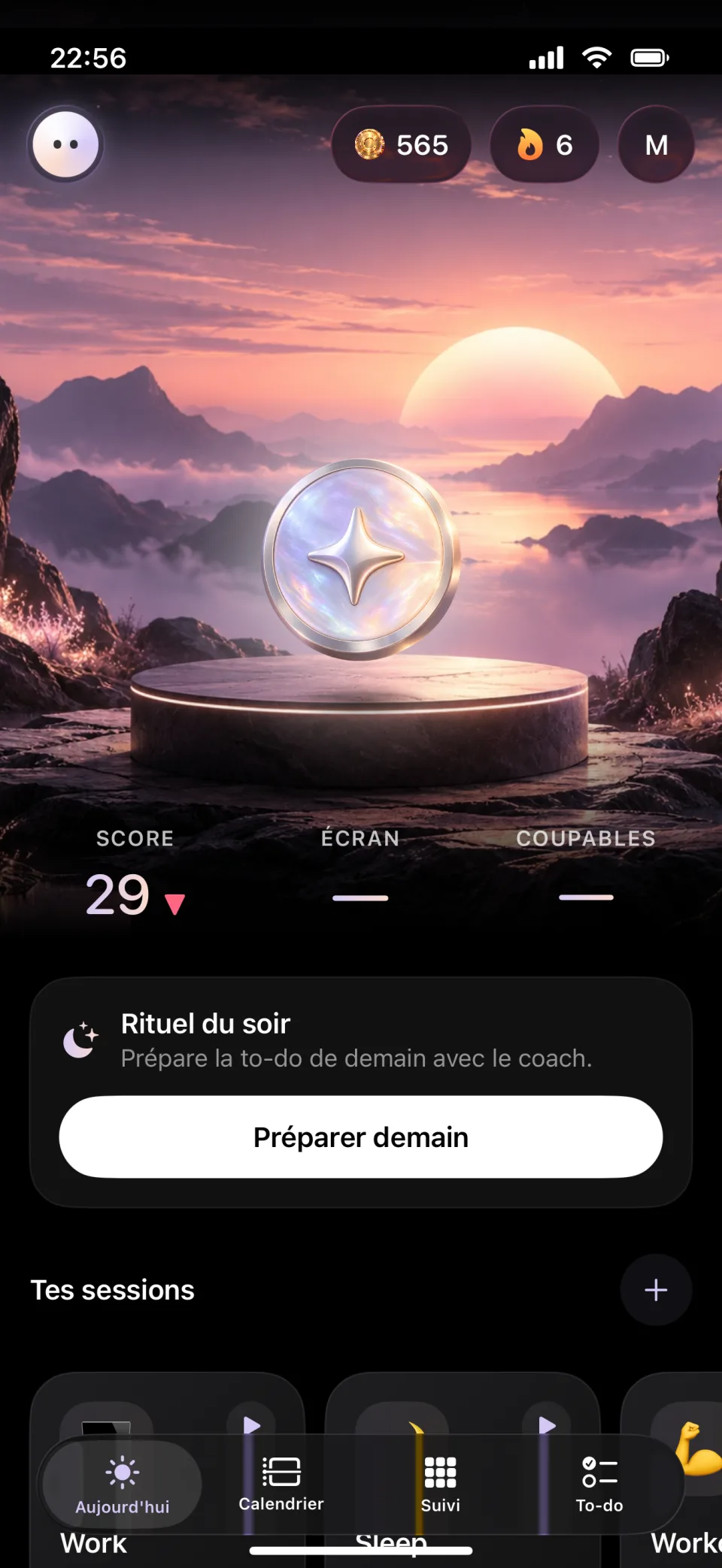
Today’s score, screen time, the apps that held you back and sessions ready to start.
02 · CALENDAR
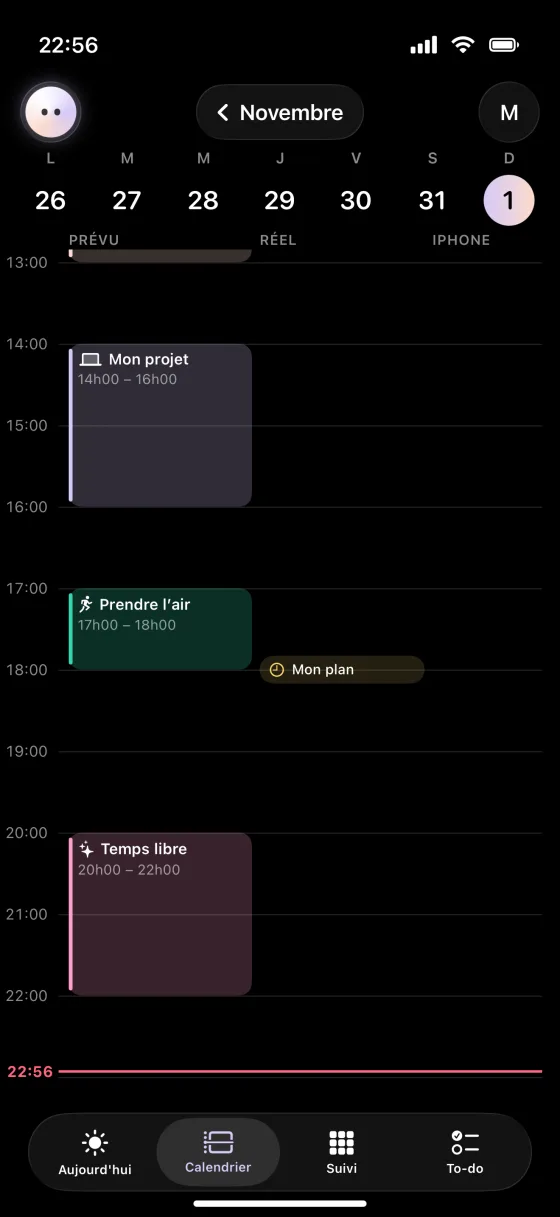
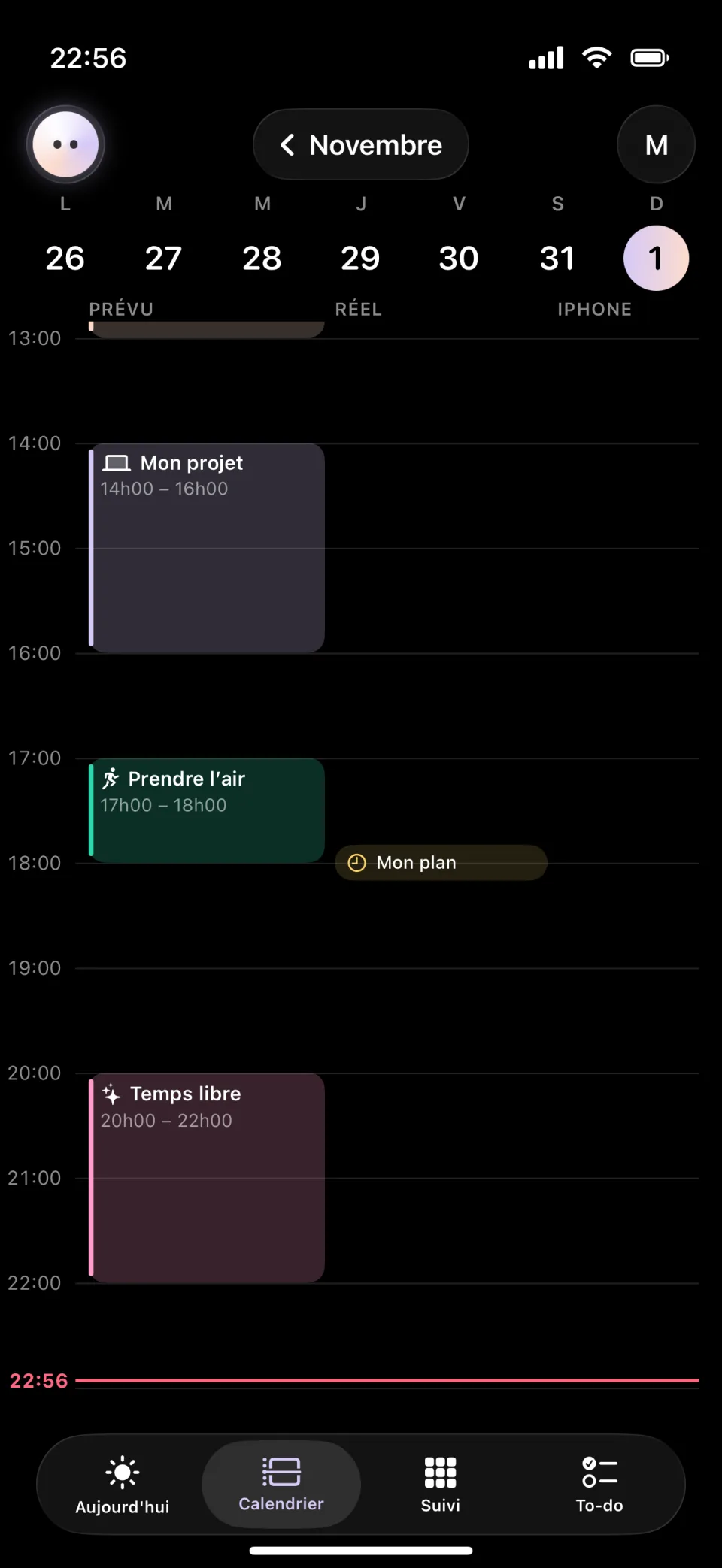
What you planned, next to what you actually did, on Mac and iPhone.
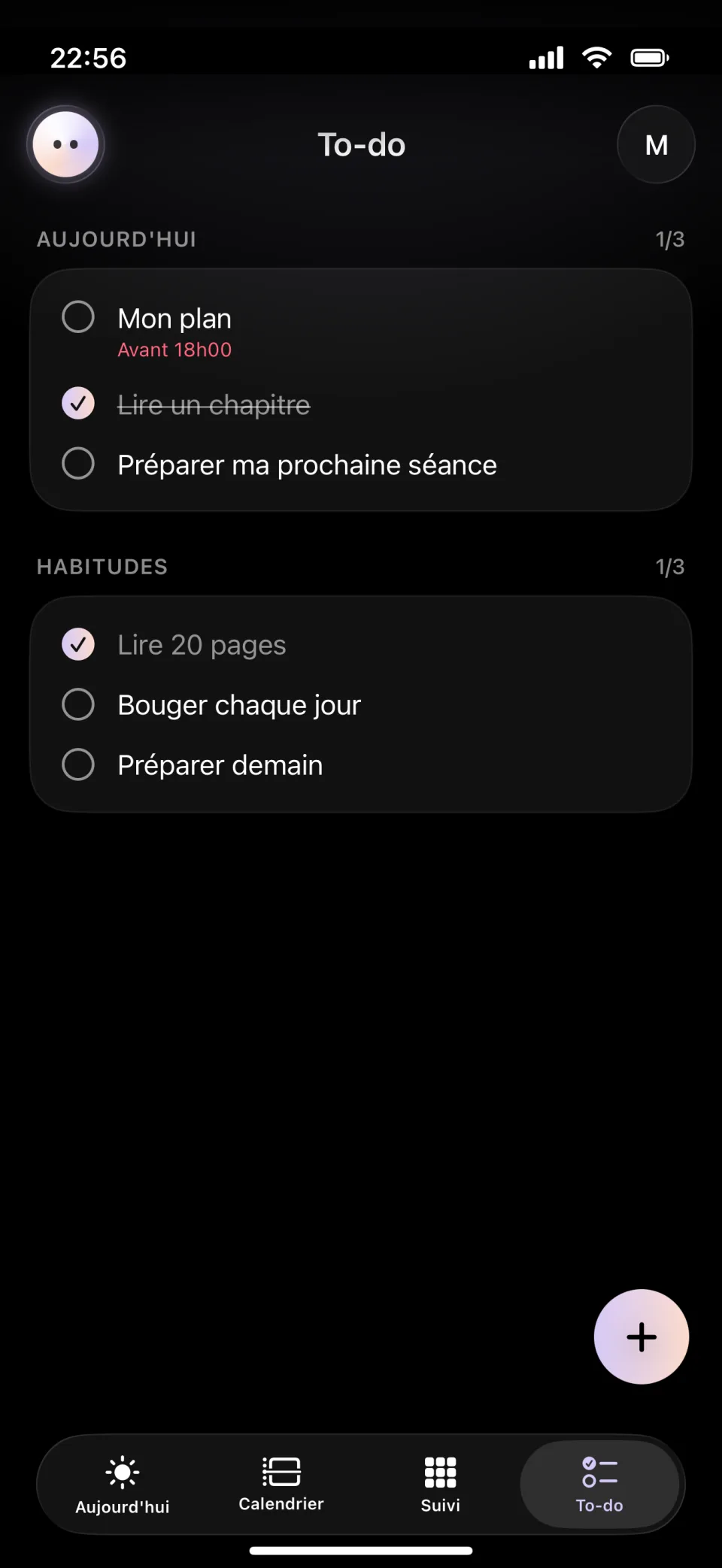
03 · TO-DO
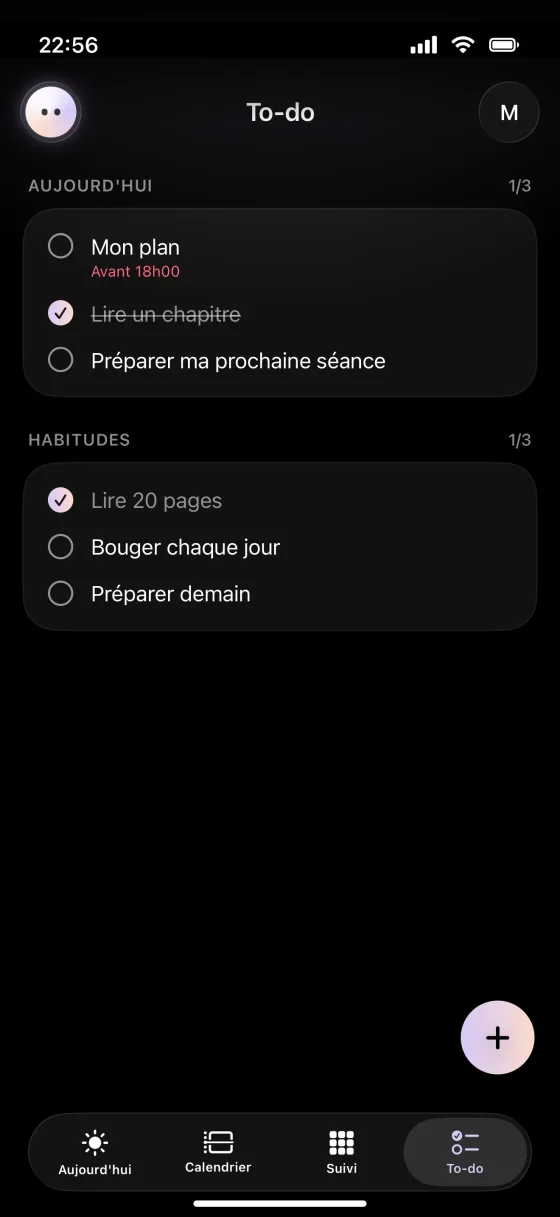
A short daily list and habits you tick off in one tap, in the app or from a widget.
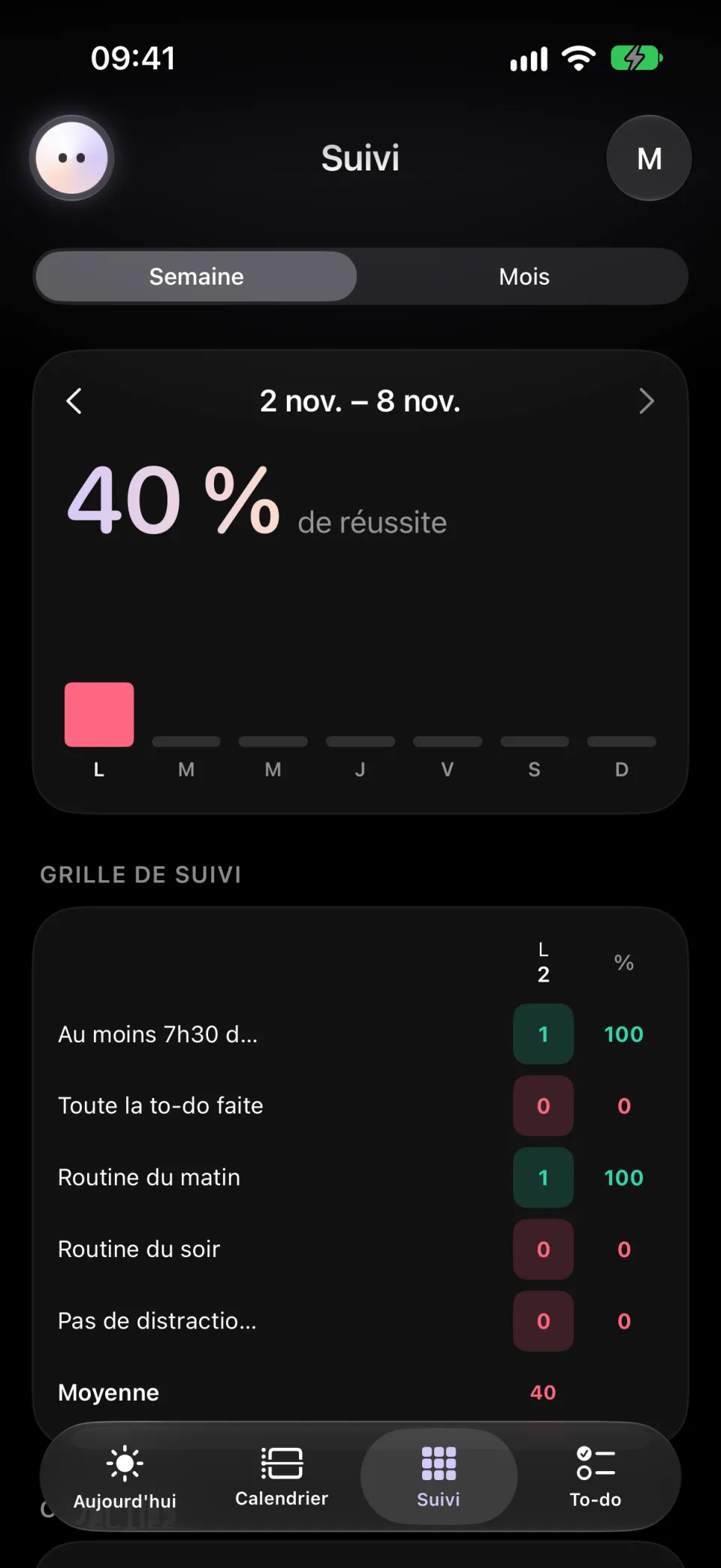
04 · TRACKING
Week after week, a clear grid shows what holds and what slips.
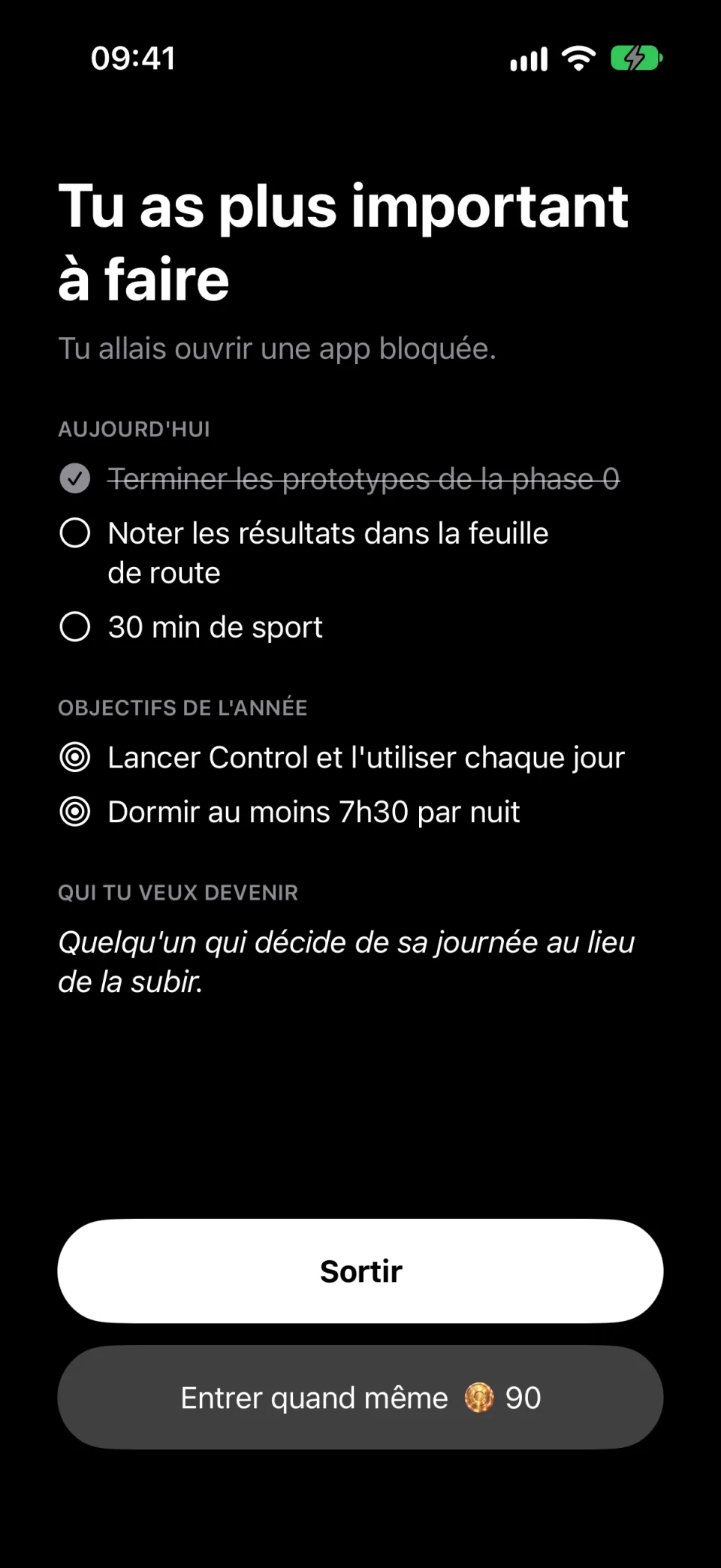
05 · BLOCKING
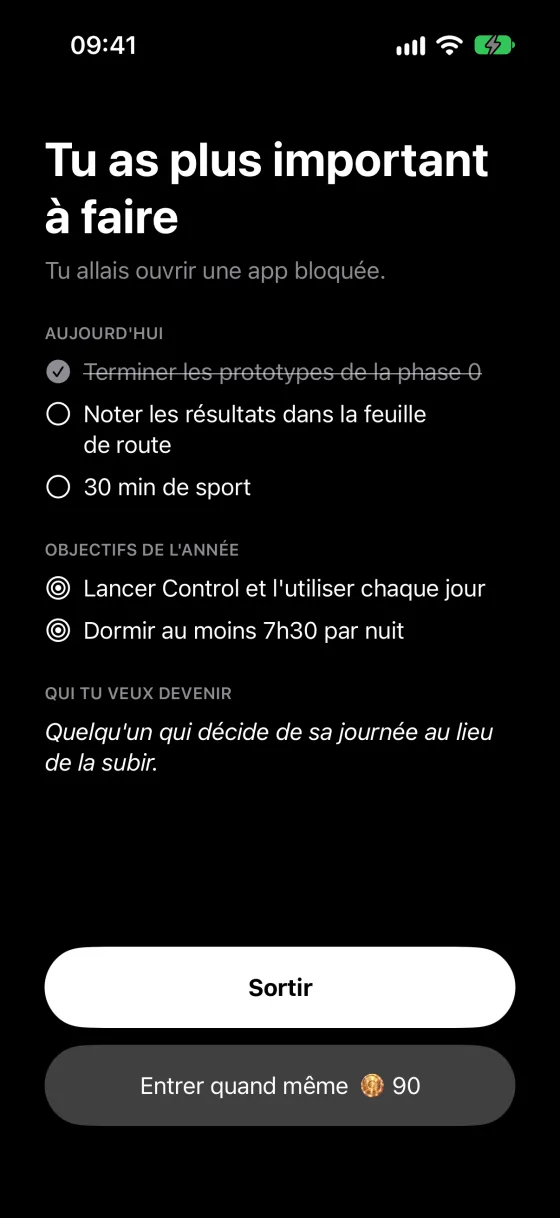
A blocked app opens on your priorities for the day. Leaving is always the easiest move.
What about AI?
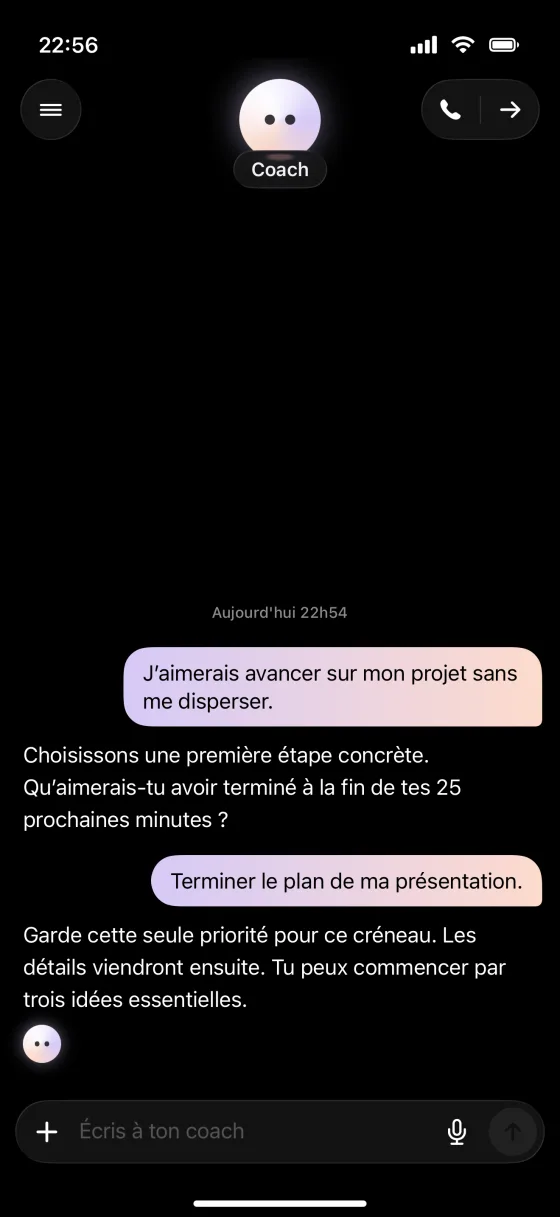
It’s on your side.THE CONTROL COACH
ILLUSTRATIVE CONVERSATION
ON IPHONE
Control is built on Apple’s Screen Time: the apps you choose are blocked by iOS itself, not by a simple reminder.
STRICT MODE
Start a session: your distractions disappear until it ends. In strict mode, there’s no way out.
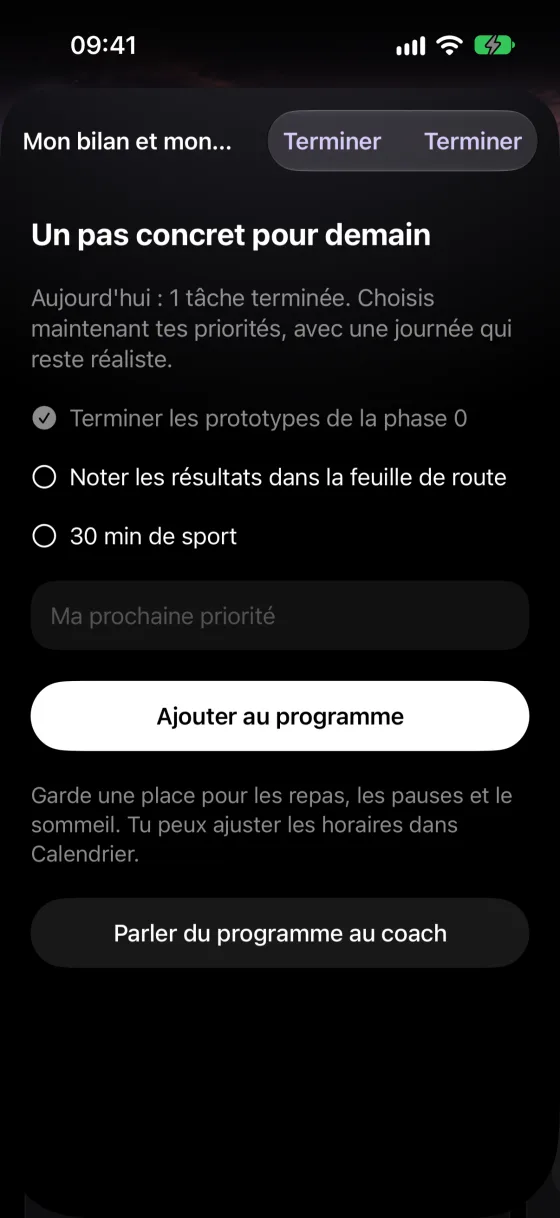
EVERY EVENING
Five minutes to close the day, choose a realistic priority and prepare tomorrow with the coach.
IN YOUR POCKET
A question, a doubt, an urge to give up: the coach answers, in writing or on a call.
YOUR BACKDROP. YOUR PACE.
Your time. Your life. Your Control.
ACHIEVEMENTS
Over a hundred medals to unlock: streaks, sleep, sport, rituals, perfect days. The flame counts the days you held on.
YOUR ATTENTION IS PRICELESS.
Your support has a price. You choose the plan.
FREE
0 €forever
To take back the reins.
CONTROL PLUS
7 DAYS FREE18.99 €/ month
Your everyday coach.
CONTROL PRO
MORE VOICE TIME24.99 €/ month
More time to talk.
7-day free trial on iPhone: 100 messages and 10 minutes of calls. Monthly subscription with no commitment, managed by the App Store. Prices for France, VAT included.
Compare plans in detailA FEW POINTERS
An app for Mac and iPhone that blocks your distractions, organizes your day and supports you with an AI coach, in writing or out loud.
On iPhone, Control uses Apple’s Screen Time: the apps you choose are blocked by the system. On Mac, Control intercepts distracting apps and websites. In strict mode, no way out is offered before the session ends.
Blocking, the daily plan, tasks, habits, the calendar, achievements and the coach’s weekly report. Writing to or calling the coach requires a Plus or Pro subscription.
The details of your activity, such as visited websites or window titles, stay on your Mac. Only summarized data is shared with the coach, and only if you agree.
Control is coming soon to the App Store for iPhone, with a Mac version. Download links will be added here at launch.
The first step starts with your attention.
In the works · Mac and iPhone